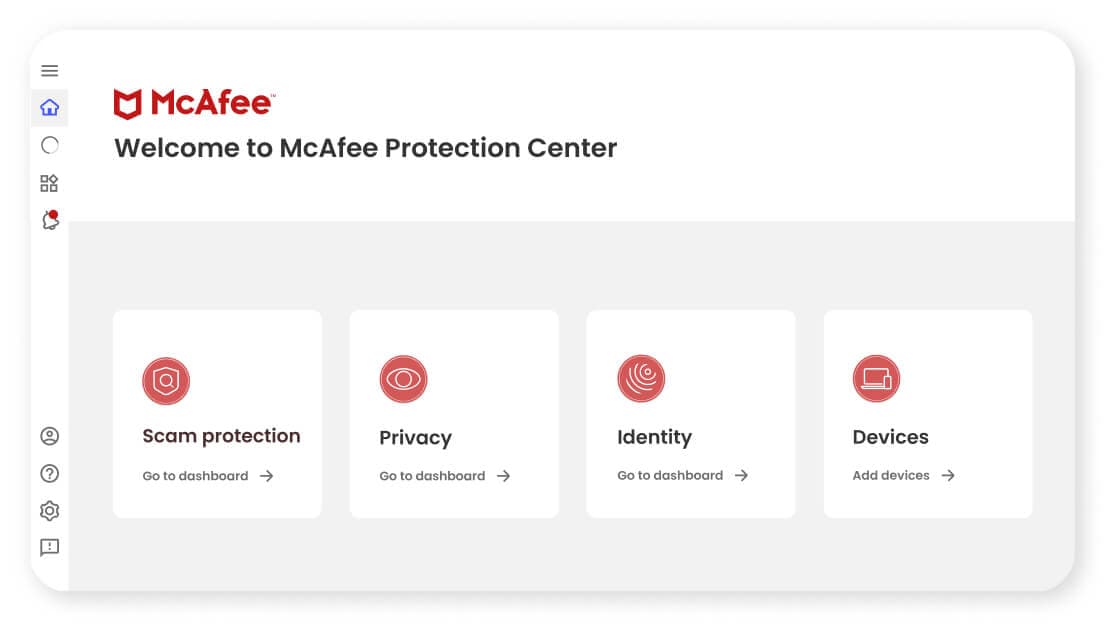
At its core, McAfee Total Protection provides our award-winning antivirus to defend against viruses, online threats and ransomware with both cloud-based online and offline protection. Beyond your Windows PCs, McAfee Total Protection provides cross-device protection that extends your peace of mind to your Macs and iOS/Android mobile devices, so you can enjoy security at home and on-the-go across all your compatible devices.
McAfee® WebAdvisor web protection enables you to sidestep attacks before they happen with clear warnings of risky websites, links and files, so you can browse, shop and bank with confidence.
PC Optimization features help your PC go faster while ensuring you still have top-notch security. Web Boost helps rescue both your battery and bandwidth from distracting auto-play videos by automatically pausing them. And with App Boost, apps that you’re actively working on will automatically receive a boost in resources, so you can get the job done faster.
Available with McAfee Total Protection for 10 devices, McAfee® Safe Family provides robust parental controls for your kids’ Windows PCs and Android/iOS devices. Packed with useful features, Safe Family gives you an extra set of hands to juggle your kids’ digital lives, from helping them build good habits to managing their app usage and online time. You can even keep track of their location when they’re getting some much-needed outdoor time.
Because much of your digital life exists in files on your computer, you can use McAfee® QuickClean™, File Lock and Shredder™ to manage your privacy. Use McAfee QuickClean to remove temporary files and cookies to reclaim storage space and minimize exposure. File Lock allows you to create password-protected encrypted drives on your PC that only appear when you’ve unlocked them, perfect for storing sensitive files like tax returns and financial documents. And finally, when you’re looking to dispose of sensitive files, McAfee Shredder securely deletes files so that would-be thieves can’t put the pieces back together.
Our passwords are the keys to our digital kingdom. Take the guesswork out of creating and remembering complex passwords with our password manager, which can store, auto-fill and even generate unique complex passwords. For added convenience, you can access your shared passwords on your PC and mobile devices with a single account.
Many vulnerabilities on your PC are due to out-of-date apps. With Vulnerability Scanner, you can update Windows and your apps from one place, streamlining Windows and application updates with a single tool that scans and installs critical updates.
Just say “no” to inbox-clogging junk mail by using our built-in spam filter for Microsoft® Outlook to remove junk mail before it reaches your inbox.
McAfee’s Virus Protection Pledge that includes our 100% Guarantee: Viruses removed or your money back, available with auto-renewal.* For more information, see here.
For any questions, free customer support is there when you need it, whether by phone, chat or online.