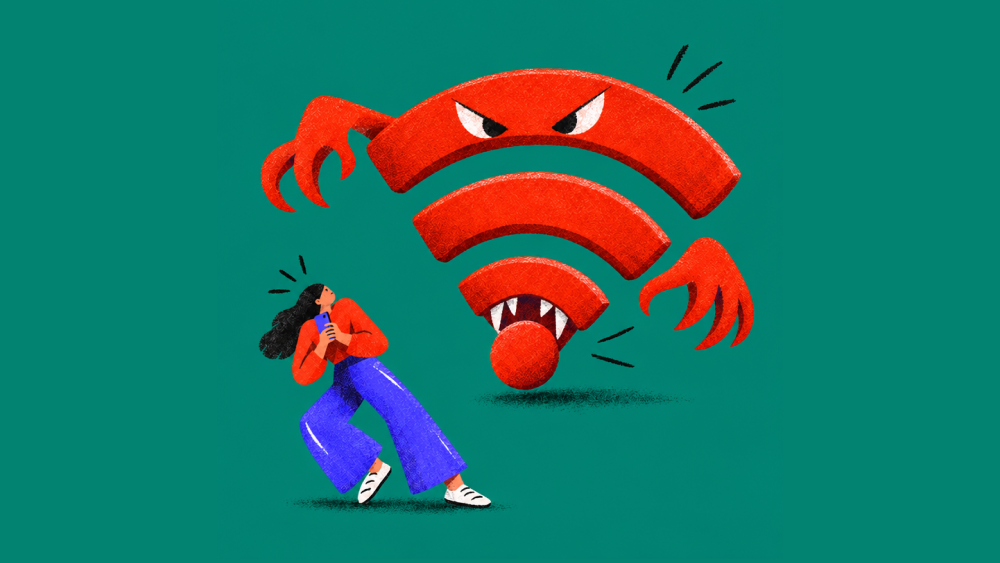


Vampires aren’t always lurking in haunted castles. Some are hiding in plain sight, waiting for you to connect to free Wi-Fi.
At your favorite coffee shop, the airport, a hotel, or even the local library, a seemingly harmless Wi-Fi network could be a trap designed to steal your personal information. And unlike the vampires in scary movies, these digital bloodsuckers don’t want your blood. They want your passwords, account details, and other valuable data.
These fake hotspots are sometimes called vampire Wi-Fi networks, but cybersecurity experts have another name for a common version of this threat: evil twin Wi-Fi attacks.
Here’s how they work, how to recognize the warning signs, and why using a VPN can help protect your information whenever you connect to public Wi-Fi.

What Is Vampire Wi-Fi, and How Does an Evil Twin Wi-Fi Attack Work?
Vampire Wi-Fi is a Halloween-inspired nickname for malicious Wi-Fi networks designed to steal information from unsuspecting users.
An evil twin Wi-Fi attack happens when a cybercriminal creates a fake wireless network that imitates a legitimate one, hoping people will connect to it instead.
For example, imagine you’re visiting a coffee shop called Main Street Café. You open your Wi-Fi settings and see two networks:
- MainStreetCafe_Guest
- MainStreetCafe_FREE
One might be the café’s official network. The other could be a fake hotspot created by a scammer sitting nearby.
The problem? Both might look perfectly legitimate.
Attackers can create these networks using relatively inexpensive equipment. They may copy the name of a real hotspot or choose something appealing, like “FREE_PUBLIC_WIFI,” to encourage people to connect.
Once someone joins the fake network, the attacker may be able to monitor certain network activity, redirect the person to fraudulent websites, or display fake login pages designed to capture passwords.
It’s the digital equivalent of opening your door to someone who looks like a trusted visitor, only to discover they’re an impostor.
Can Hackers Steal Your Information Through Public Wi-Fi?
Yes, but what an attacker can actually see depends on how your connection is protected.
On a malicious Wi-Fi network, attackers may use tools called packet sniffers to examine information traveling across the network.
Think of a packet sniffer as a tool that watches digital traffic passing through a connection. It can reveal information about network activity and, when data isn’t properly encrypted, potentially expose sensitive details.
Fortunately, most reputable websites and apps now use HTTPS encryption, which helps prevent people on the same network from reading passwords, credit card numbers, and other information exchanged with those services.
However, HTTPS doesn’t eliminate every risk.
A fake Wi-Fi network could still expose certain connection details, interfere with unprotected traffic, or redirect you to a convincing phishing page that asks you to enter your credentials.
For example, you might see a screen claiming you need to sign in with your Google or Apple account to access free Wi-Fi. If that screen is fraudulent and you enter your password, the attacker could capture it.
That’s why protecting your connection matters, even when you’re simply checking email or browsing the web.
How Can You Spot a Fake or Evil Twin Wi-Fi Network?
Evil twin networks are designed to look trustworthy, which means spotting one isn’t always easy. Still, there are warning signs worth knowing.
- The network name looks familiar, but not quite right.
A fake network might use a slightly different spelling, add “FREE,” or copy the name of a nearby business.
- You’re unexpectedly asked for personal information.
Be suspicious if a public Wi-Fi login page requests your email password, banking credentials, or other sensitive account information.
- You see unusual security warnings.
If your browser warns that a website’s connection isn’t secure or its certificate can’t be trusted, don’t ignore it.
- Your device connects automatically to an unfamiliar network.
Some devices can automatically reconnect to previously saved Wi-Fi names. Attackers may exploit this behavior by impersonating a familiar network.
One important distinction: An open Wi-Fi network isn’t automatically malicious. Many legitimate businesses offer free Wi-Fi without a password. Likewise, a password-protected network isn’t necessarily safe.
When in doubt, ask an employee for the exact name of the official network before connecting.
Does a VPN Protect You on Public Wi-Fi?
Yes. A VPN helps protect your privacy on public Wi-Fi by encrypting your internet traffic, making it much harder for someone monitoring the network to see the information you send and receive.
VPN stands for virtual private network. Think of it as a private, encrypted tunnel between your device and a VPN server.
Without a VPN, the network you’re using may be able to observe certain details about your internet activity. On an unsafe network, unencrypted information could also be exposed.
With a VPN turned on, your internet traffic travels through an encrypted connection. Even if someone tries to intercept that traffic over the local Wi-Fi network, they generally won’t be able to read its contents.
This protection is useful anywhere you rely on a network you don’t control, whether you’re working at a coffee shop, waiting at an airport, or browsing at the library.
However, a VPN isn’t a cure-all. It won’t stop you from voluntarily entering your password into a fake website or prevent every type of phishing attack. You still need to pay attention to suspicious links, login pages, and security warnings.
How McAfee VPN Helps Protect Your Information on Public Wi-Fi
You shouldn’t have to wonder who’s watching your online activity every time you connect to public Wi-Fi.
McAfee VPN helps protect your privacy by encrypting your internet connection, adding an important layer of security when you’re using shared or unfamiliar networks.
With McAfee VPN, you can:
- Encrypt your internet traffic: Help protect the information traveling between your device and the VPN server from people monitoring the local network.
- Browse more privately: Help prevent Wi-Fi network operators and nearby snoops from easily viewing your online activity.
- Stay protected beyond travel: Use VPN protection at cafés, hotels, airports, libraries, and other places where you connect to public Wi-Fi.
McAfee VPN is also included with eligible McAfee+ plans, giving you VPN protection alongside other tools designed to help protect your digital life.
Whether you’re catching up on work or checking your accounts while you’re out, a VPN can help keep your information away from unwanted eyes.
4 Ways to Stay Safe on Public Wi-Fi
Along with using a trusted VPN, a few simple habits can make a meaningful difference.
- Double-check the Wi-Fi network name.
Before connecting at a café, hotel, airport, or other public location, confirm the official network name with an employee. Don’t assume the strongest signal or the most familiar-looking name is legitimate.
- Turn off automatic Wi-Fi connections.
Disable auto-join for unfamiliar or public networks. This helps prevent your device from connecting to a suspicious hotspot without your knowledge.
- Be cautious with login pages and sensitive accounts.
Avoid entering passwords or financial information into unexpected Wi-Fi login pages. If something looks suspicious, disconnect and use your cellular connection instead.
- Turn on your VPN before browsing.
A trusted VPN adds encryption to your connection, helping protect your internet traffic when you’re using public Wi-Fi. If available in your VPN app, enable automatic protection for unfamiliar networks.
Keep Your Information Out of the Wrong Hands
Vampire Wi-Fi may sound like something from a Halloween movie, but fake wireless networks are a real cybersecurity threat.
The good news is that you don’t have to avoid public Wi-Fi altogether. Knowing how evil twin attacks work, checking networks before connecting, and using a trusted VPN can help you stay safer.
After all, your personal information is valuable. Don’t let a fake Wi-Fi hotspot sink its teeth into it.
Help protect your privacy wherever you connect with McAfee VPN, available as part of eligible McAfee+ plans. It’s like garlic for your device.
Stay Updated
Follow us to stay updated on all things McAfee and on top of the latest consumer and mobile security threats.