

You’re expecting a package.
Maybe it’s a birthday gift. Maybe it’s a purchase from a major shopping event. Maybe it’s something you forgot you ordered three days ago.
Then your phone buzzes.
Your package couldn’t be delivered. There’s a problem with your shipping address.
A small fee is required before delivery can continue.
“Click here immediately.”
The message feels plausible because so many of us are constantly waiting for packages. And scammers know it.
According to McAfee’s State of the Scamiverse report, fake delivery and shipping notices are the single most commonly reported scam consumers encounter today, with 31% of people saying they’ve received one. Americans also receive an average of 14 scam messages every day across texts, email, social media, phone calls, and other channels.
Delivery scams have become one of the internet’s most successful forms of phishing because they exploit something simple: people are already expecting the message.
Here’s how to spot and stop these scams:
What Is a Delivery Scam?
A delivery scam is a fraudulent message that pretends to come from a shipping company, retailer, postal service, or delivery provider.
The goal is usually one of three things:
- Steal personal information
- Steal financial information
- Trick victims into downloading malware or visiting malicious websites
These scams often impersonate organizations such as:
- USPS
- UPS
- FedEx
- DHL
- Amazon
- Royal Mail
- Australia Post
- Other local or regional delivery services
Most delivery scams arrive through text messages, which is why they’re often called package smishing scams.
What Is Smishing?
Smishing is a type of phishing attack delivered through SMS text messages.
The term combines:
- SMS (Short Message Service)
- Phishing
Instead of arriving through email, the scam arrives directly on your phone and attempts to create a sense of urgency that encourages immediate action.
Common examples include:
- “Your package could not be delivered.”
- “Delivery attempt failed.”
- “Update your shipping address.”
- “Pay a small customs fee.”
- “Confirm delivery information.”
Delivery Scam Red Flags and What to Do
| If You See This Red Flag | Why It’s Suspicious | What To Do |
| A package alert when you’re not expecting a delivery | Scammers send messages in bulk hoping someone is waiting for a package | Ignore the message and do not click links |
| A request to pay a small fee before delivery | Legitimate carriers rarely collect delivery fees through text messages | Visit the carrier’s official website directly |
| A message claiming your address needs verification | Common tactic used to steal personal information | Check shipment status through your retailer or carrier account |
| A shortened or unusual link | Scammers often disguise malicious websites | Avoid clicking and manually type the carrier’s website address |
| Pressure to act immediately | Urgency is designed to override caution | Pause and verify independently |
| Requests for passwords, payment information, or verification codes | Legitimate carriers will not ask for this through text messages | Delete the message and report it as spam |
| A delivery app or file download request | May install malware on your device | Never download software from a text message |
Accidentally Clicked a Delivery Scam? Do This Immediately
| What Happened | What To Do |
| You only clicked the link | Close the page and do not enter any information |
| You entered login credentials | Change your password immediately and enable two-factor authentication |
| You entered payment information | Contact your bank or credit card provider right away |
| You downloaded a file or app | Delete it and run a security scan |
| You’re unsure what information was exposed | Monitor accounts closely for unusual activity |
How McAfee Can Help
With McAfee+, multiple layers work together before any damage is done:
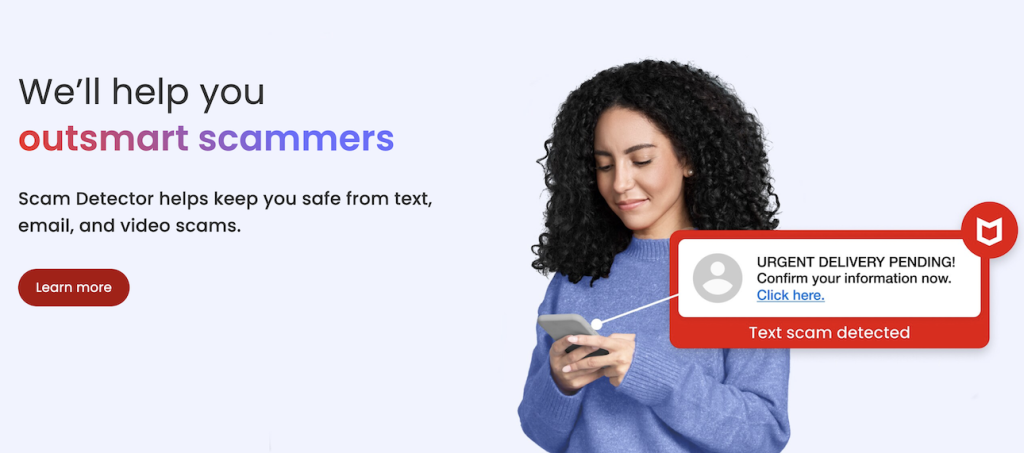
- Scam Detector flags suspicious texts, emails, links, QR codes, and even deepfake videos before you engage
- Secure VPN keeps your data private, especially on public Wi-Fi
- Web Protection helps block risky sites, even if you do accidentally click
- Password Manager doesn’t just help you make unique, strong passwords, it keeps them stored and organized for you
- Device Security helps detect malicious apps or downloads
- Identity Monitoring alerts you if your personal info shows up where it should not, so you can act fast
- Personal Data Cleanup helps remove your information from sites selling it.
- Online Account Cleanup assists in taking down your old, forgotten accounts across the web
- Social Privacy Manager helps you monitor and change privacy settings across your social platforms in just a few clicks
Together, these protections are designed to address the broader range of online risks people face every day.

Stay Updated
Follow us to stay updated on all things McAfee and on top of the latest consumer and mobile security threats.